Blocks, Construction and Plans
Select Dirt, inspect stalled projects, remove the correct finished object and reuse saved plans without mixing up cancellation and demolition.
Match the tool to the object
For a simple missing block, begin with the Dirt material-picker instructions. If a larger project has stopped, inspect its listed blocker and delivered materials before canceling it. Use the deconstruction guide for completed walls or furniture, and the Building Editor guide for reusable designs. Plans, pending orders and finished structures are different states; check the intended target before using a broad area action.
Find Dirt in the material list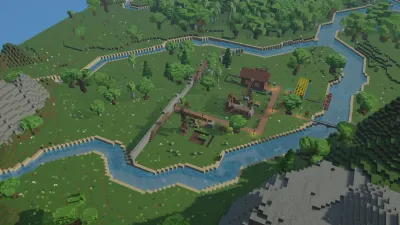
Save a Building Plan and Use It in Your Settlement
Create and save StoneEra building plans, find them in Buildings and separate reusable editor designs from Normal-mode materials, workers and safe access.
Last updated: 11/6/2026
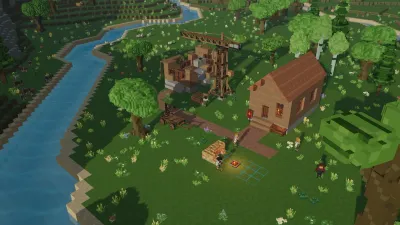
Remove Walls, Cancel Orders or Move Furniture
Choose the right StoneEra removal action for an unfinished order, finished wall, retained building project or movable furniture, with recovery limits.
Last updated: 11/6/2026
How to Place Dirt Blocks and Fill Ground Gaps
Choose Dirt from StoneEra’s Block material list, place a terrain-filling order and distinguish Normal-mode builders from immediate Creative placement.
Last updated: 11/6/2026
Construction Stuck? Read the Blocker Before Adding Workers
Diagnose StoneEra building delays using project blockers, material states, safe access and scaffold order instead of assuming every idle builder is a bug.
Last updated: 11/6/2026