How to Place Dirt Blocks and Fill Ground Gaps
Choose Dirt from StoneEra’s Block material list, place a terrain-filling order and distinguish Normal-mode builders from immediate Creative placement.
FAQ
Does the wooden Block preview lock me to wood?
Why is the gap not filled immediately in Normal mode?
Can Dirt restore every farming problem?
What if Dirt does not appear?
Where is Dirt when the menu only shows wood?
Open Build → Blocks, then click the Block tile itself. The wooden preview is not the entire material selector. The developer’s November 4 reply says this opens a material list: scroll through it, select Dirt, and click the ground gap to create the placement order.
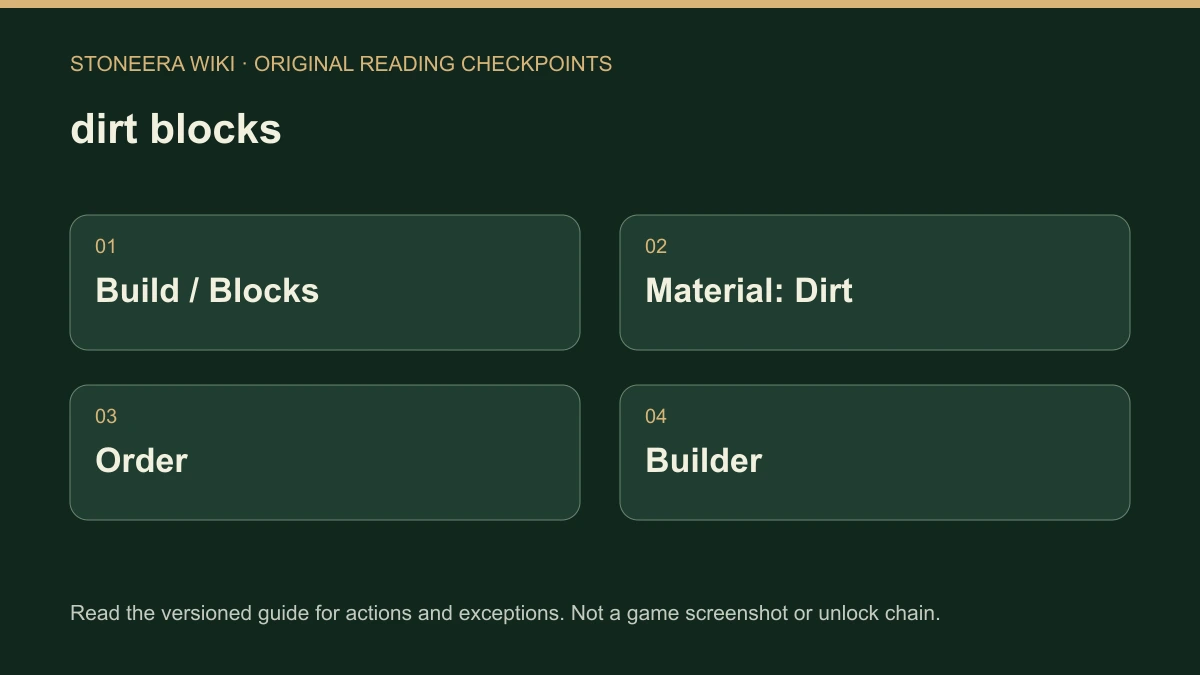
The question came from a player filling a gap in a farm who could only see wooden blocks. That makes this a material-selection task, rather than evidence that dirt construction is unavailable. Demo 0.9.18 also reorganizes Build around Orders, Buildings, Blocks and Objects; follow those current groups instead of assuming an older screenshot is a separate game mode.
How do you turn the selection into a finished block?
After selecting Dirt, choose the intended gap and distinguish the new order from the final terrain. In Normal mode, the developer requires stored dirt and an available Builder to carry out the work. Creative mode places it immediately. Expecting the same instant result in both modes can make a valid Normal-mode order look broken.
- Open Build and its Blocks group.
- Click the Block tile, open the materials list and select Dirt.
- Mark the specific gap you want filled.
- In Normal, check that dirt is in storage and a Builder is available.
- Observe whether the order is completed and the gap is actually filled. A selected material alone does not prove that construction has finished.
This sequence does not specify a universal hotkey, brush size or resource cost. Use the selection shown by your installed version. When selecting a larger area, inspect what is marked before committing another order so that you do not confuse an unintended selection with a worker problem.
What should you check when nothing happens?
First decide whether the material is missing from the list, no order was placed, or an existing order is waiting for work. These are different states. The first belongs in the developer’s material-option report; the last can be investigated through the project feedback described in the stalled construction guide.
| What you see | Useful next check |
|---|---|
| The Block tile still displays wood | Click the tile to open the actual materials list. |
| Dirt is selected, but the terrain is unchanged | Check whether you placed an order and whether you are in Normal or Creative. |
| A Normal-mode order waits | Check stored dirt, the Builder and the reported project blocker. |
| Stock exists but construction still lacks materials | Review storage acceptance and hauling, not only the total inventory number. |
| Dirt is absent from the material list | Record version and mode and reply in the original thread. |
The sources do not identify a special research unlock for Dirt or a guaranteed repair for a missing material. Do not delete a colony to force the option to appear. If the task is removing existing ground rather than filling a gap, use the separate removal and relocation guide to distinguish actions.
Which version does this cover?
This is Demo 0.9.18-era guidance, checked November 6, 2026. The menu update and the dated developer reply support the steps above; they are not our own gameplay test. The full game’s release state is a separate question, and this page does not promise that every later build preserves identical labels.
Related Articles
building
Save a Building Plan and Use It in Your Settlement
Create and save StoneEra building plans, find them in Buildings and separate reusable editor designs from Normal-mode materials, workers and safe access.
building
Remove Walls, Cancel Orders or Move Furniture
Choose the right StoneEra removal action for an unfinished order, finished wall, retained building project or movable furniture, with recovery limits.
building
Construction Stuck? Read the Blocker Before Adding Workers
Diagnose StoneEra building delays using project blockers, material states, safe access and scaffold order instead of assuming every idle builder is a bug.
Was this helpful?
Thanks for the feedback!