Demo vs Full Game: Content Limit and Release Status
Download the correct StoneEra demo, check its untimed twelve-technology limit and separate playable features from the unreleased full-game roadmap.
FAQ
Is the demo still limited to sixty minutes?
Has the full game launched into Early Access?
Does Creative unlock the full technology tree?
Which StoneEra can you play now?
Download the free demo for Windows or macOS if you want to play the verified current build. The latest official demo announcement is 0.9.18, published November 3. The main Steam product still showed Coming soon when checked on November 6, 2026, so an actual full-game Early Access launch is not established.
The official website links the separate demo app and the main game’s wishlist page. Check which app you opened before treating a release date or feature list as applicable. A planned date in an older page or an Early Access description does not override the current unreleased state.
What does the demo limit actually restrict?
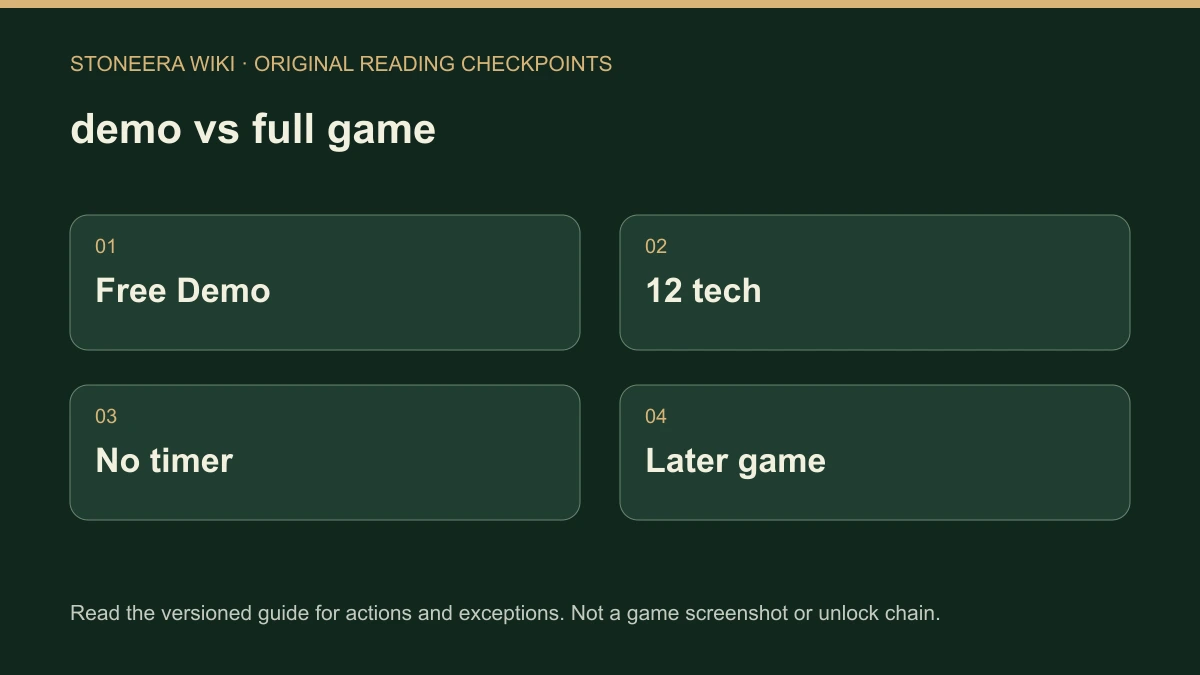
It restricts progression and content, not the duration of a session. The demo contains twelve early technologies. The first copper bar made by a resident completes its guided journey, but Continue building lets you stay in your colony. Later technologies and their recipes or structures remain marked as full-game content.
| Question | Documented boundary |
|---|---|
| Sixty-minute cutoff? | Removed in the October 3 update |
| Research available in the demo? | Twelve early technologies |
| First copper bar? | Completion milestone, followed by an option to continue |
| Creative bypass? | The same research content boundary still applies |
| Demo achievements? | Normal or Settlement play; not Creative |
The original October 2 demo announcement mentioned sixty minutes. The next day’s 0.9.13 announcement explicitly supersedes that limit. Current official pages also describe the untimed demo. Follow research and the first copper bar for the milestone rather than looking for an unlock-all workaround.
Which features should you avoid treating as finished?
Separate a concrete demo addition from a development-roadmap entry. The website roadmap was reviewed November 5 and describes the current alpha development build, not a committed release schedule. Its implemented, in-progress and planned labels are not interchangeable, and a listed system does not prove every mechanic is available in the public demo.
For a concrete example, 0.9.15.1 explicitly puts W1 waterwheels, medium and large norias, and wooden or stone channels within the demo. Normal worlds research W1; Creative can access those items immediately. That does not establish an advanced-transport recipe or a finished future mechanical system. See Waterworks for the supported scope.
What should you check before following a guide?
Match the installed version, app and mode first. Demo 0.9.18 reorganized menus, so an older screenshot may be visually stale while a dated mechanic remains relevant. Official sources list eight interface languages; that is not a promise of eight spoken-language tracks, multiplayer, console support or a confirmed future release date.
Start with the first settlement guide, then use the update timeline for changed instructions. If a feature is not covered by a concrete announcement or a verified current control, its availability remains a question to check, not a gap to fill with an invented button or recipe.
Related Articles
building
Save a Building Plan and Use It in Your Settlement
Create and save StoneEra building plans, find them in Buildings and separate reusable editor designs from Normal-mode materials, workers and safe access.
building
Remove Walls, Cancel Orders or Move Furniture
Choose the right StoneEra removal action for an unfinished order, finished wall, retained building project or movable furniture, with recovery limits.
building
How to Place Dirt Blocks and Fill Ground Gaps
Choose Dirt from StoneEra’s Block material list, place a terrain-filling order and distinguish Normal-mode builders from immediate Creative placement.
Was this helpful?
Thanks for the feedback!